


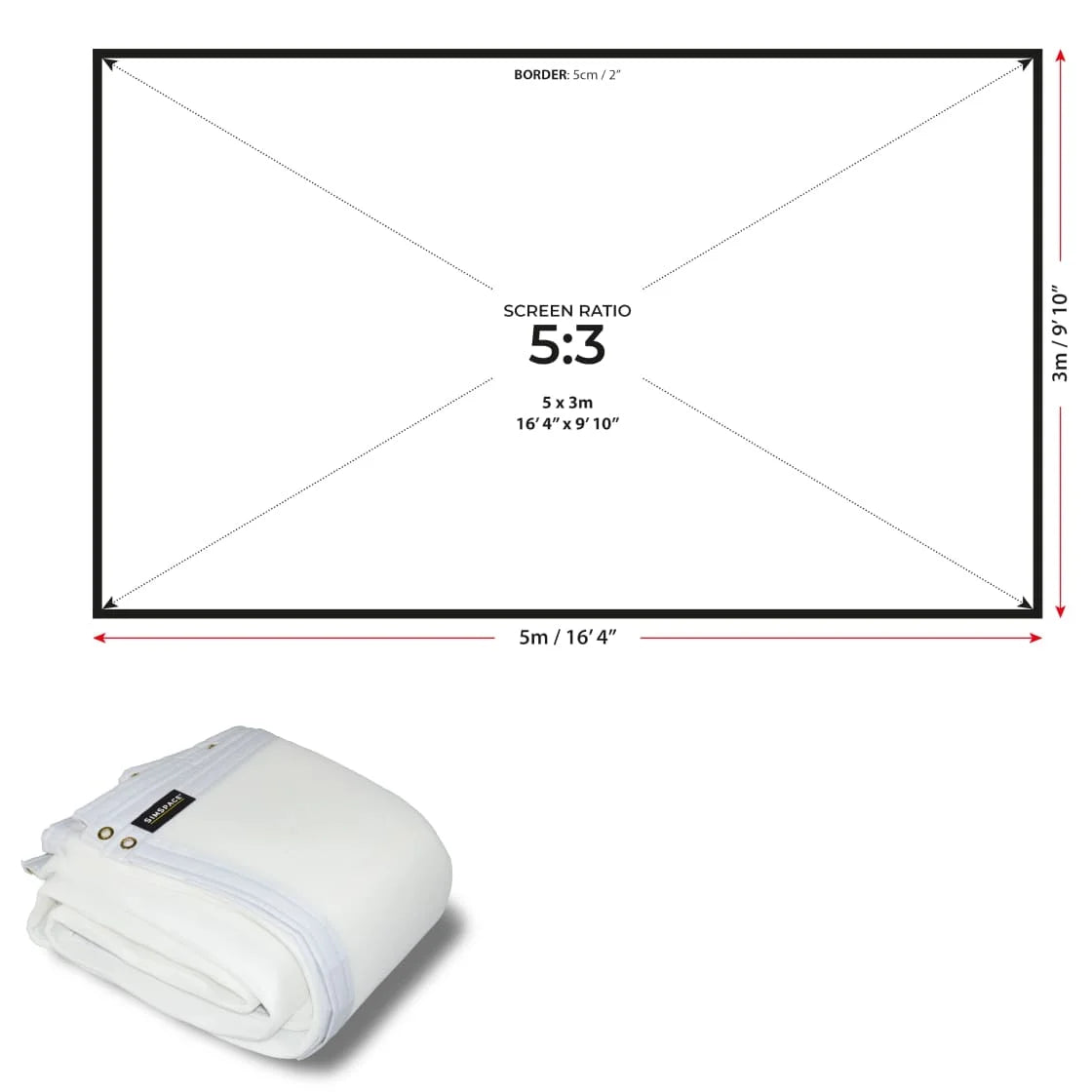
SimSpace Impact & Noise Absorbing Foam Backing
Reduce Impact Noise
The SimSpace Impact & Noise Absorbing Foam Backing is designed to sit behind your impact screen to help reduce sound during simulator play. Cushioning the ball strike, it helps dampen impact noise for a quieter practice environment.
- Foam backing helps absorb ball impact behind the screen
- Reduces noise created during simulator shots
- Ideal for quieter home simulator setups
- Great for garages, spare rooms and indoor studios

Added Impact Cushioning
Positioned behind your impact screen, the foam layer helps soften the force of repeated ball strikes. This additional cushioning can help improve the feel of your simulator setup during regular practice.
- Adds a cushioning layer behind the impact screen
- Helps soften the force of repeated ball strikes
- Improves the overall feel of your simulator setup
- Designed for regular home simulator practice

Designed for SimSpace Impact Screens
The foam backing is built to work seamlessly with all SimSpace standalone impact screens. It sits neatly behind the screen to provide additional support without affecting projection quality.
- Designed to work with SimSpace standalone impact screens
- Fits neatly behind the screen surface
- Maintains clear projection while adding protection
- Ideal addition for SimSpace simulator setups

Quick Bungee Cord Installation
Installation is simple by attaching the foam backing behind your impact screen using bungee cords. This allows you to quickly add or remove the backing depending on your simulator setup.
- Attaches behind the screen using bungee cords
- Quick and straightforward installation process
- Compatible with most simulator frame setups
- Easy to adjust or remove when required
