


Square Golf Omni Club Stickers
Square Golf Omni Club Stickers
Couldn't load pickup availability
Delivery Info
+
We offer delivery to many international countries with warehouses located in the USA, UK, Europe and China. For more details, please visit our Shipping policy page.
Setup Guide
+
Clean and dry the club shaft and face before applying the stickers. Fit the shaft sticker close to the clubhead, then place the clubface sticker approximately 1 cm below the top edge of the face. Press each sticker firmly and ensure it sits flat without wrinkles or lifting edges. Replace any sticker that becomes dirty, damaged or worn.
Specification
+
- Designed for the Square Golf OMNI launch monitor
- Includes shaft and clubface tracking stickers
- Club path range: -20° to +20°
- Attack angle range: -20° to +20°
- Club speed range: 0–140 mph
- Impact position range: -40 to +40 mm
- Face angle and dynamic loft are estimated
- Correct placement is required for reliable tracking
Share


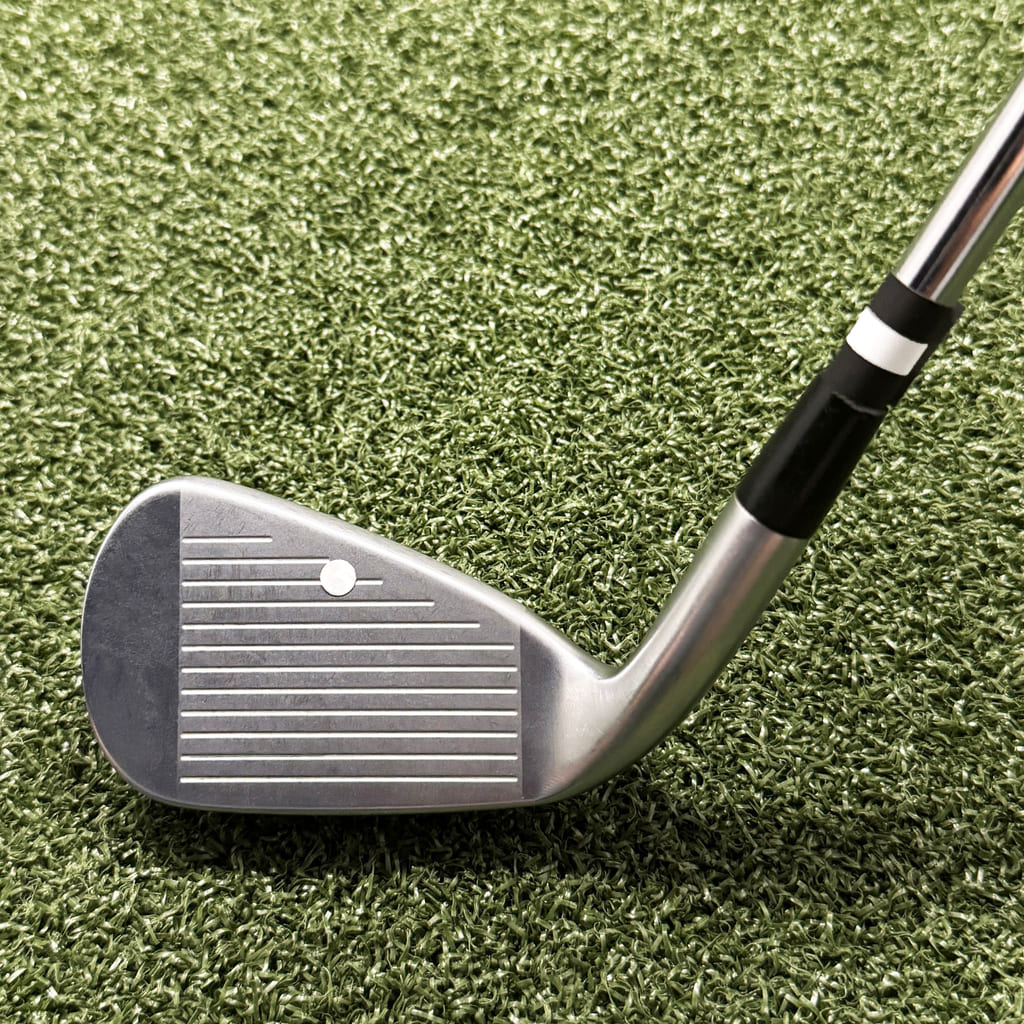
Square Golf Omni Club Stickers
Square Golf Omni Club Stickers help you capture detailed club and impact data. Ideal for replacing worn stickers or preparing additional clubs for your home simulator. This will include 1 x clubface and 3 x club shaft sticker sets.